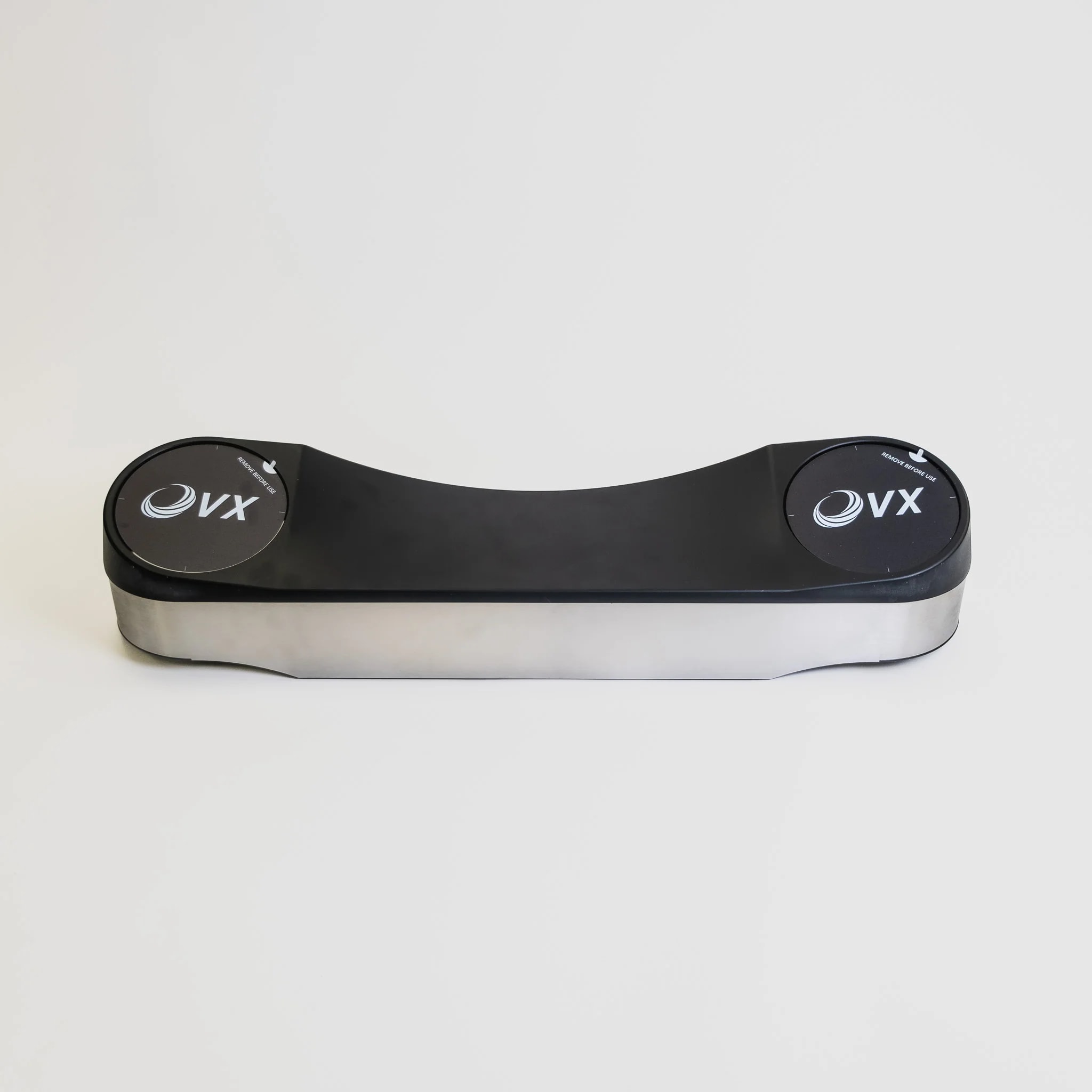
How to Connect Your ProTee Launch Monitor
- Every way your ProTee connects to the Simulator app
- Step-by-step setup for each, and what it works on
Works on
Open the setup guide- Windows



Got a ProTee launch monitor? Awesome Golf turns it into a full golf simulator, with range practice, challenges, arcade shootouts and 13+ courses.
Each model has its own setup guide in our docs, from switching it on to your first shot.
Every game mode and 12+ courses, in every plan and the free trial.
Yes. Awesome Golf supports 1 ProTee model.
Every licence is multi-platform. Use the same launch monitor with the Simulator on iOS, Android, PC, ChromeOS or macOS.
Yes. Every plan starts with a 14-day free trial with full access to every game mode and course.
You will see every metric your launch monitor reports. Check our Metrics page for what each number means.







14 days free. Every mode, every course.


